Expert Tips for Enhancing Your Multimedia Presentations


Understand Your Audience
Before diving into the creation of a multimedia presentation, it's crucial to understand who your audience is. Tailoring your presentation to their interests, knowledge level, and preferences will help you connect more effectively. Consider factors like age, professional background, and familiarity with the topic. This understanding shapes not only the content but also the style and tone of your presentation.
Start by asking yourself what your audience hopes to gain from your presentation. Are they looking for actionable insights, or are they more interested in the theoretical aspects? By defining these goals, you'll be better equipped to structure your content in a way that resonates.

Craft a Compelling Narrative
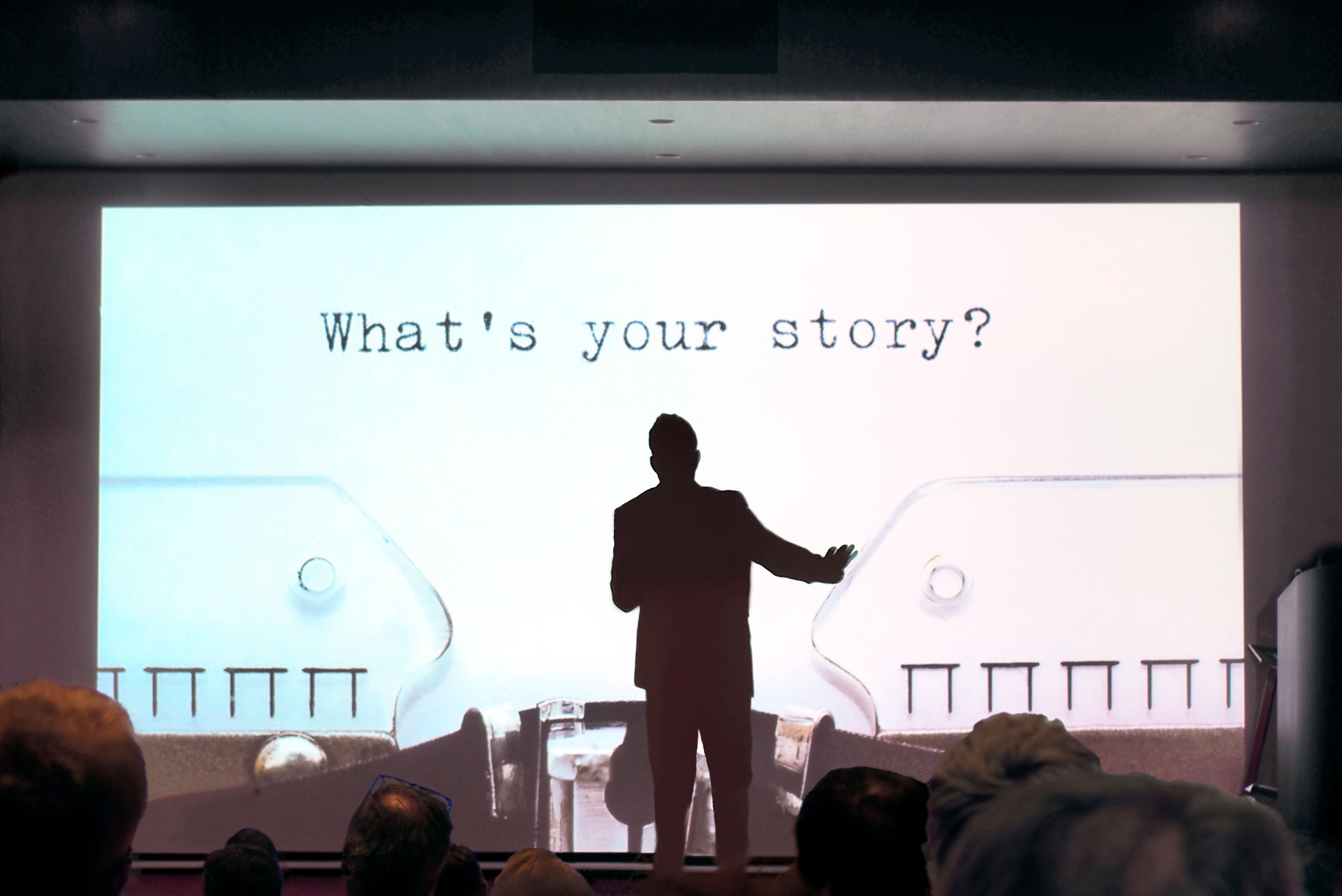
A successful presentation often tells a story. Rather than simply listing facts and figures, weave them into a narrative that engages your audience. A compelling story captures attention and makes the information more memorable. Use anecdotes, case studies, or hypothetical scenarios to illustrate your points.
Organize your content with a clear beginning, middle, and end. Start with an engaging introduction that outlines the purpose and key takeaways. Follow with the main content in a logical sequence, and conclude with a strong finish that reinforces your message.
Utilize Visuals Effectively
Visuals are a powerful tool in multimedia presentations. They can simplify complex information, highlight key data, and keep the audience engaged. However, it's important to use visuals strategically. Choose images, charts, and graphs that directly support your message.
Avoid cluttering your slides with too much information. Each visual should have a clear purpose and should enhance, not distract from, your narrative. Consider using high-quality images and consistent branding elements to create a professional look.

Incorporate Interactive Elements
Interactive elements can transform a passive audience into active participants. Consider incorporating polls, quizzes, or Q&A sessions to engage your audience. These elements can provide real-time feedback and make your presentation more dynamic and memorable.
Ensure that your interactive components are easy to use and relevant to your content. They should enhance the learning experience rather than interrupt the flow of your presentation.
Practice and Refine Your Delivery
Even the most well-crafted presentation can fall flat without effective delivery. Practice is key to ensuring that you’re confident and comfortable with the material. Rehearse in front of a mirror or record yourself to identify areas for improvement.
Pay attention to your pacing, tone, and body language. Make sure your delivery is engaging and aligns with the energy of your content. Consider seeking feedback from colleagues or friends to refine your performance further.

Leverage Technology
Utilizing the right technology can greatly enhance your multimedia presentations. Tools like presentation software, video conferencing platforms, and audience engagement apps offer features that can elevate your presentation. Choose technology that complements your content and audience needs.
Ensure that you’re familiar with the technology you plan to use. Test all equipment and software ahead of time to avoid technical issues during your presentation. A smooth technical execution reflects professionalism and enhances audience trust.