
DIY Video Editing Tips for Beginners: A Multimedia Studio’s Perspective


Video editing can seem daunting for beginners, but with the right approach, it becomes an exciting and rewarding process. As a multimedia studio, we understand the challenges you might face. Here, we offer a few essential tips to help you get started with DIY video editing.
Choosing the Right Software
Your first step in video editing is selecting the right software. Popular options include Adobe Premiere Pro, Final Cut Pro, and DaVinci Resolve. For beginners, user-friendly platforms like iMovie or Filmora can be excellent starting points. Each software comes with its own set of features, so consider what aligns best with your needs.
When choosing software, think about your operating system and budget. Many programs offer free trials, allowing you to test them before committing.
Understanding the Basics
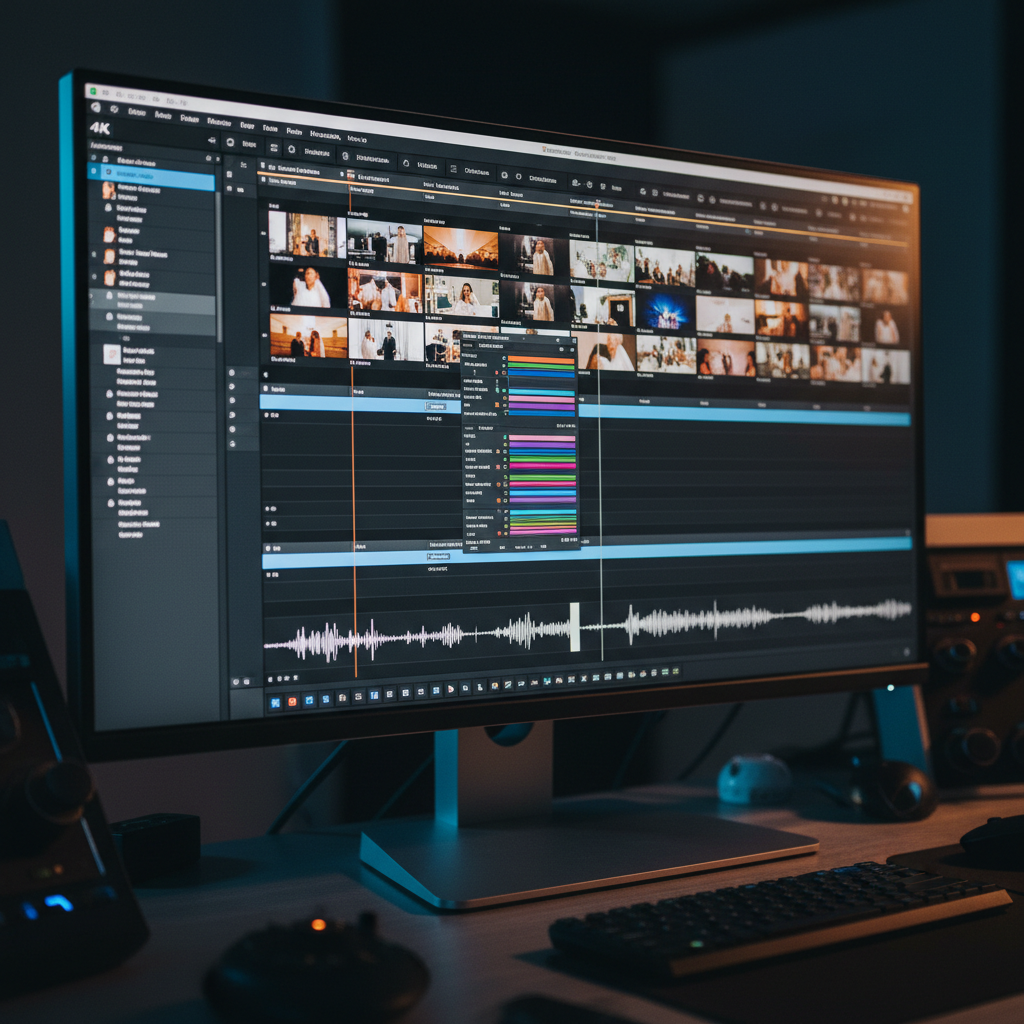
Before diving into editing, familiarize yourself with the basic concepts. Understanding timelines, tracks, and transitions is crucial. Start with simple projects to practice cutting, trimming, and arranging clips. These foundational skills will be invaluable as you progress.
Don’t be afraid to experiment. Play around with different features to see how they affect your video. This hands-on experience is vital for learning.
Organizing Your Media
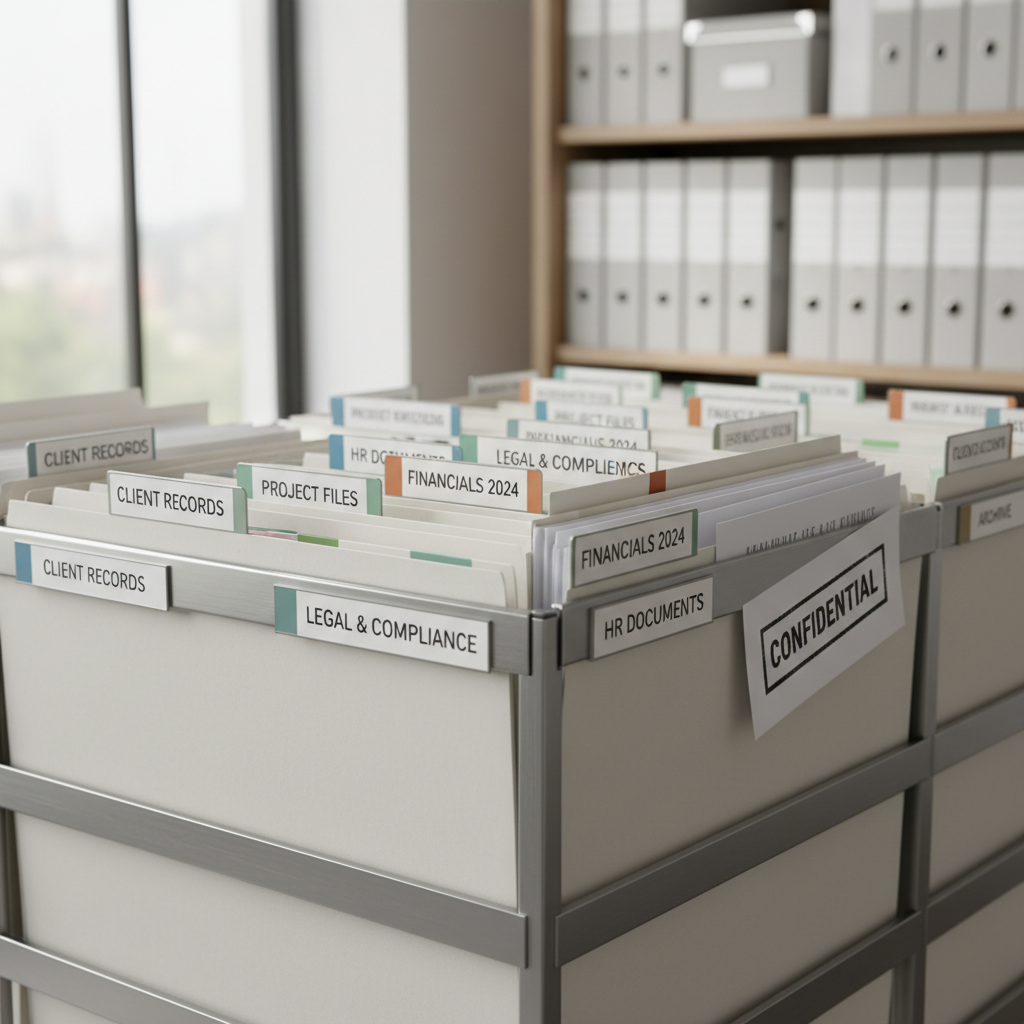
Good organization can save you a lot of time and frustration. Create a dedicated folder for your project, and sort your media files into subfolders for footage, audio, images, and effects. This will make it easier to locate what you need when you need it.
Enhancing Your Video
Once you’ve mastered the basics, you can start enhancing your video with effects and color correction. Most editing software offers built-in effects and filters that can add a professional touch to your project. Adjusting brightness, contrast, and saturation can significantly impact the final look of your video.
Sound is just as important as visuals. Make sure your audio levels are balanced, and consider using royalty-free music to add depth to your production.
Exporting Like a Pro
Exporting your video correctly ensures your hard work looks great on any platform. Pay attention to resolution, frame rate, and format options. If you're uploading to social media, check the platform's recommended settings to optimize quality.
Learning and Growing
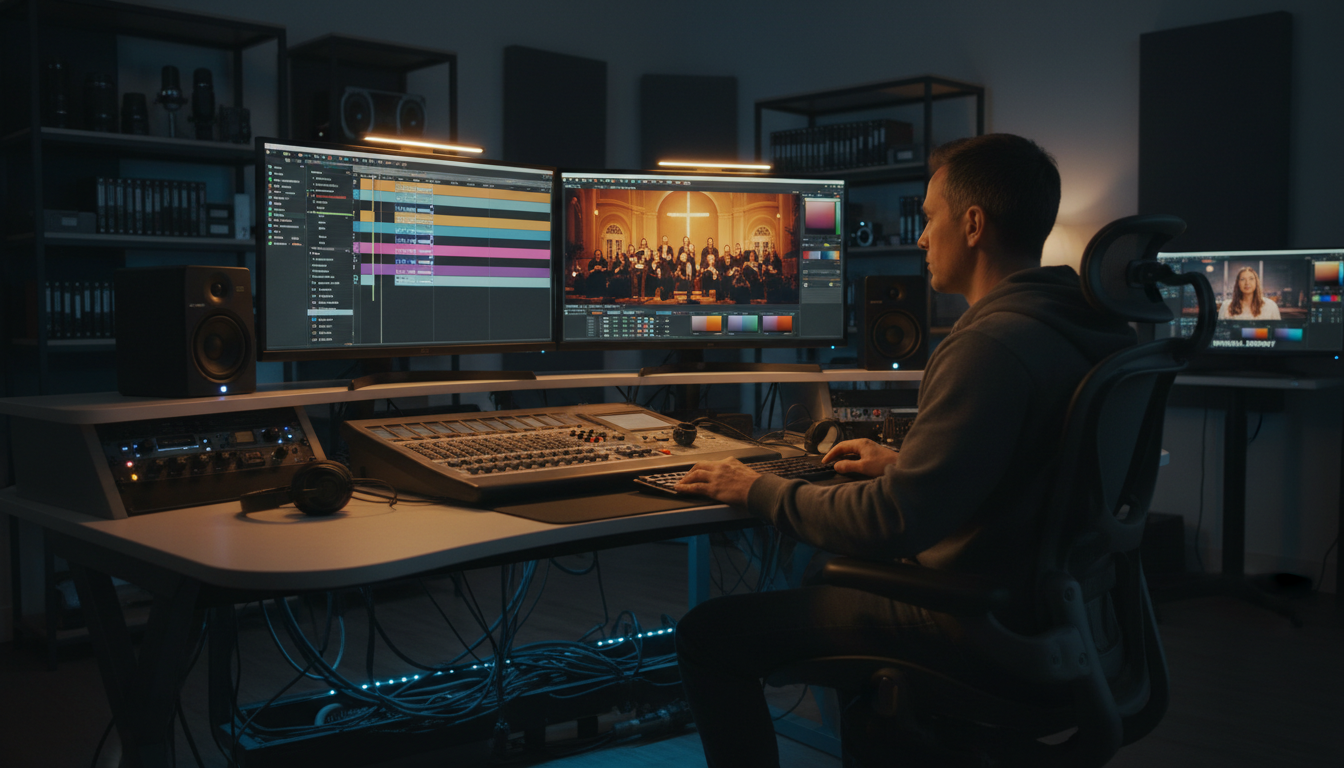
Video editing is a skill that improves with practice. There are countless online resources and communities where you can learn new techniques and get feedback. Consider joining forums or groups where you can share your work and learn from others.
Remember, every expert was once a beginner. With dedication and creativity, you’ll see your skills grow over time. Happy editing!