
DIY Video Editing Tips for Beginners


Getting Started with DIY Video Editing
Embarking on your video editing journey can be both exciting and overwhelming. The good news is, with a few tips and some practice, you can transform raw footage into compelling content. The key to successful video editing lies in understanding the basics and gradually building your skills.
Before diving into editing software, familiarize yourself with the different types of video content you want to create. Whether it's vlogs, tutorials, or short films, knowing your end goal will guide your editing process.
Choosing the Right Software
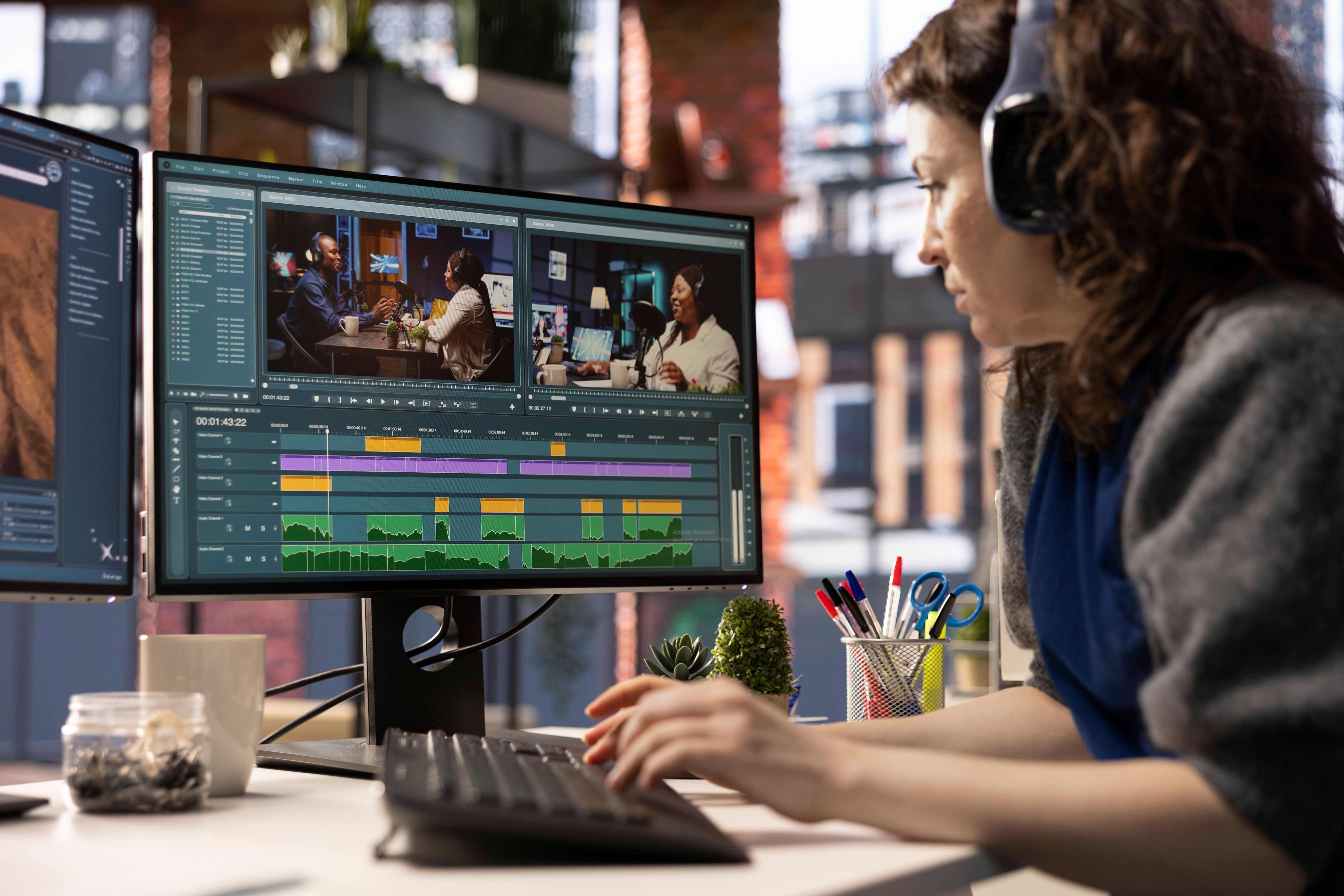
Selecting the right video editing software is crucial. For beginners, user-friendly options like iMovie, Windows Movie Maker, or Adobe Premiere Rush are excellent starting points. These programs offer intuitive interfaces and essential features that make editing more accessible.
As you gain confidence, you may explore more advanced software like Adobe Premiere Pro or Final Cut Pro, which provide a wider range of tools and effects. Remember, the best software is one that matches your current skill level and meets your editing needs.
Organizing Your Footage
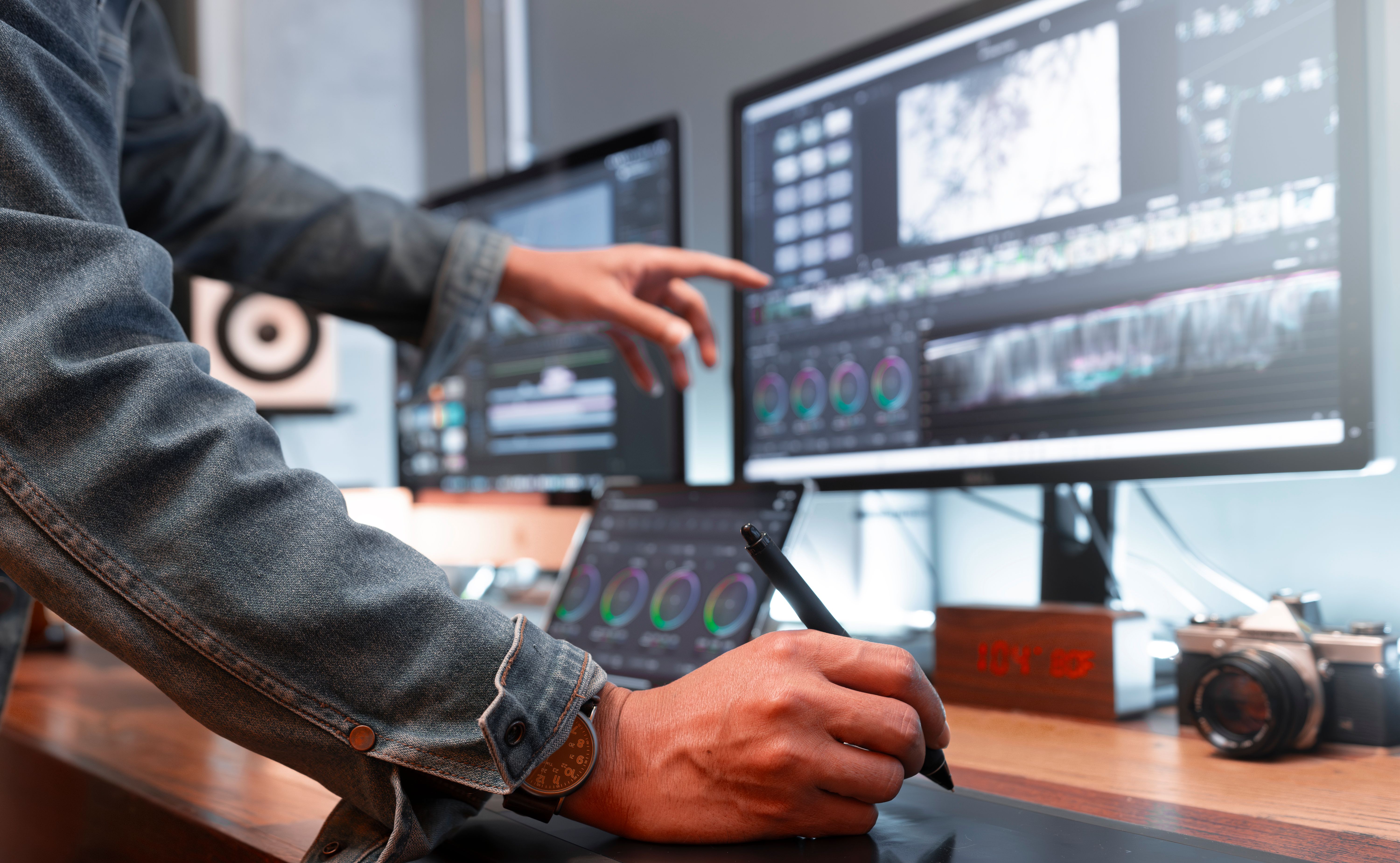
Before you start editing, organize your footage. Create folders for raw videos, music, sound effects, and other assets. This organization will save you time and streamline your editing workflow. Name your files clearly to avoid confusion later on.
Consider creating a storyboard or a simple outline of your video. This will help you visualize the final product and ensure that your narrative flows smoothly. Planning is a critical step that will make the editing process more efficient.
Mastering Basic Edits
Focus on mastering basic edits such as cutting, trimming, and splitting clips. These fundamental skills will allow you to piece together your footage seamlessly. Most editing software provides straightforward tools for these tasks.
Additionally, learn how to adjust audio levels and add simple transitions. Background music and sound effects can greatly enhance the viewer's experience, so take the time to experiment with audio adjustments.
Enhancing with Effects and Text
Once you're comfortable with basic edits, start exploring effects and text overlays. Effects can add flair and professionalism to your videos, but remember to use them sparingly to avoid overwhelming your audience.
Text overlays, such as titles and captions, can provide context and emphasize key points. Make sure your text is legible and complements the overall aesthetic of your video.
Exporting Your Final Product
After editing, it's time to export your video. Choose the right format and resolution based on where you plan to share your content. Platforms like YouTube and Instagram have specific requirements, so ensure your settings align with their standards.
Review your final product for any errors or inconsistencies before sharing it with the world. A polished video will leave a lasting impression on your audience.