
DIY Tips for Enhancing Your Multimedia Presentations


Introduction to Enhancing Multimedia Presentations
In today's fast-paced, digital world, creating engaging multimedia presentations is essential for capturing your audience's attention. Whether you're a student, a professional, or a business owner, enhancing your presentations can make a significant impact. Here, we provide some DIY tips to elevate your presentation game.

Choose the Right Tools
Before diving into content creation, it’s crucial to select the right tools for your presentation. Popular software like PowerPoint, Keynote, or Google Slides offer various features that cater to different needs. Explore these tools and identify which one aligns best with your presentation goals.
Additionally, consider using multimedia editing tools such as Adobe Premiere Pro or Canva to create visually appealing slides. These platforms provide a wide array of templates, graphics, and animation options to enhance your presentation's visual impact.
Leverage Templates and Themes
Using pre-designed templates and themes can significantly reduce the time spent on formatting. Most presentation tools offer a variety of templates that you can customize to suit your topic. Ensure the template you choose complements your content and maintains a consistent look throughout the presentation.

Integrate High-Quality Visuals
Visual elements like images, videos, and infographics can make your presentation more engaging. High-quality visuals not only attract attention but also help in conveying complex information effectively. When selecting visuals, ensure they are relevant and enhance your message.
Consider using royalty-free image libraries to find suitable images for your slides. Videos and animations can also add a dynamic element to your presentation, making it more interactive and memorable.
Use Consistent Branding
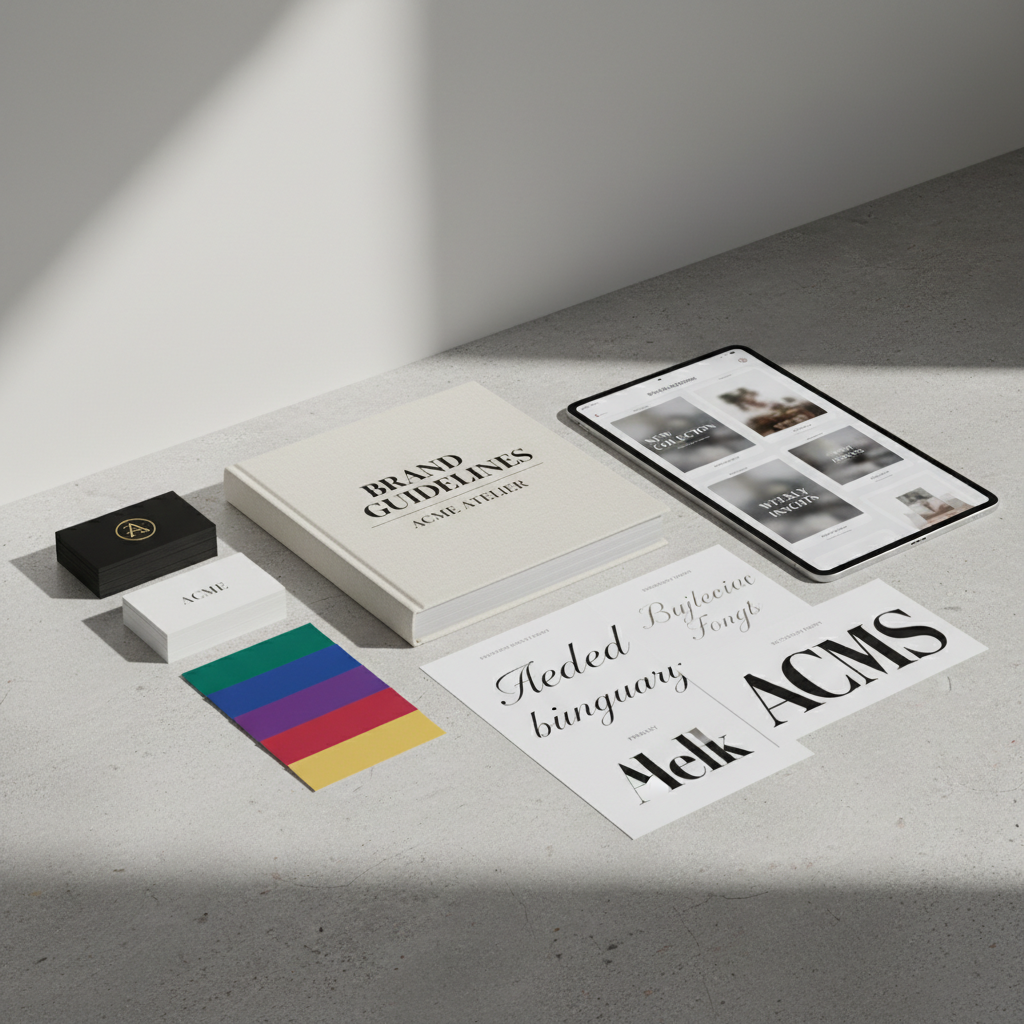
If you're presenting on behalf of a business or organization, maintaining consistent branding is vital. Use your brand's colors, fonts, and logo throughout the presentation to reinforce brand identity. Consistent branding helps in establishing professionalism and credibility.
Enhance with Audio and Narration
Incorporating audio elements like background music or narration can add depth to your presentation. Narration can guide your audience through the slides, while background music can set the tone and keep the audience engaged. Ensure that any audio used is clear and complements the content.
Practice and Refine
Finally, practice your presentation multiple times before the actual event. Rehearsing helps you become familiar with the flow and timing, allowing you to refine your delivery. Consider recording your practice sessions to identify areas for improvement.
Feedback from peers can also be invaluable. Present your content to a small group and ask for constructive criticism. Use this feedback to make necessary adjustments and polish your presentation.

Conclusion
Enhancing your multimedia presentations doesn't have to be daunting. By selecting the right tools, integrating high-quality visuals, maintaining consistent branding, and incorporating audio elements, you can create compelling and memorable presentations. Remember, practice makes perfect, so invest time in rehearsing to ensure a smooth delivery. With these DIY tips, you're well on your way to captivating your audience.