
DIY Tips for Enhancing Multimedia Projects with Professional Touch


Understanding the Basics
Creating multimedia projects can be an exciting endeavor, but achieving a professional look and feel can often be challenging. Whether you're working on a video, podcast, or digital presentation, understanding the basics is crucial. Start by defining your project's goals and target audience. Knowing who you're creating for will guide your content and design decisions, ensuring a coherent and appealing outcome.
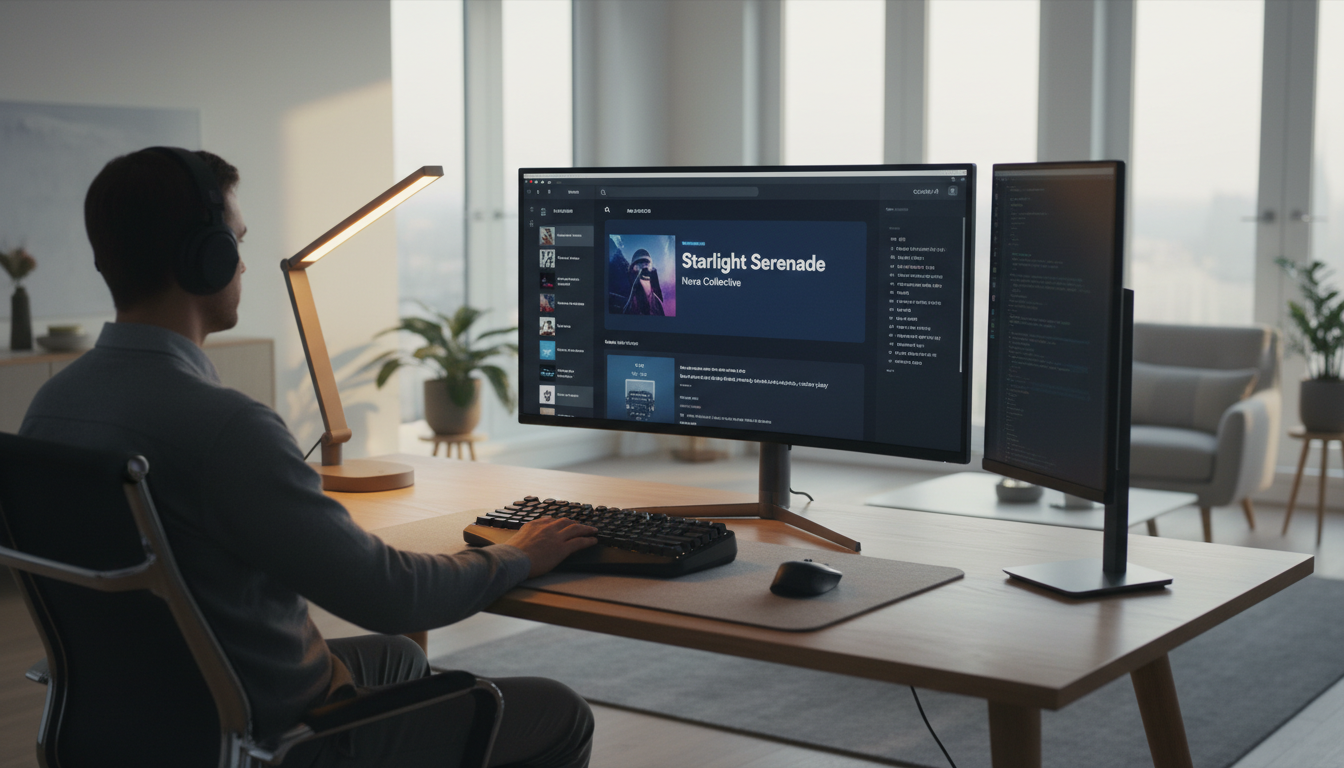
Investing in quality equipment can make a significant difference. While it's tempting to rely solely on smartphones and free software, even a modest investment in a decent microphone or editing software can elevate your project. Remember, clear audio and sharp visuals contribute immensely to the overall perception of professionalism.
Design Elements that Make a Difference
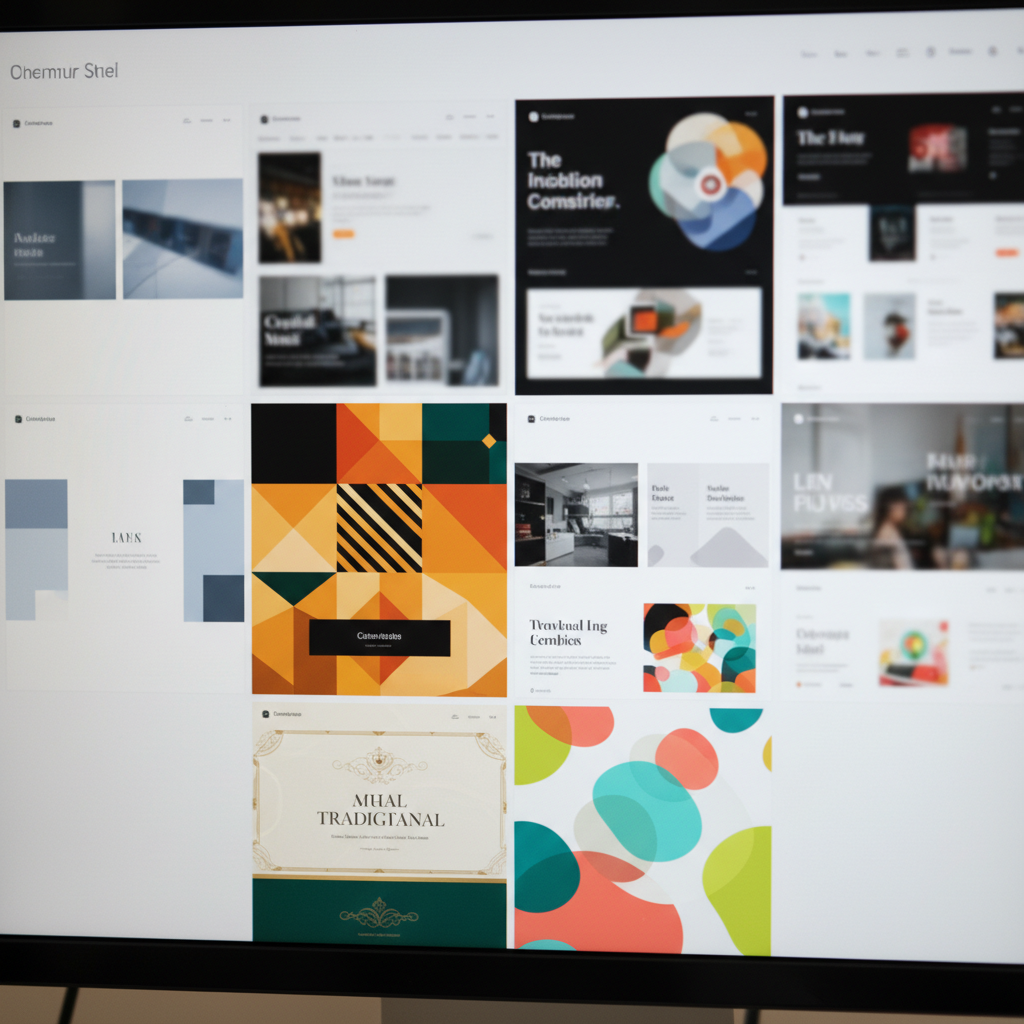
Design is more than just aesthetics; it's about functionality and clarity. When incorporating visuals, keep them consistent with your brand or theme. Use a limited color palette and choose fonts that are easy to read. Consistency in these elements not only enhances the visual appeal but also reinforces branding.
Consider using templates for presentations or video graphics. Many online resources offer free and paid templates that can save time and ensure a polished look. However, personalize them to fit your specific project needs to avoid a generic appearance.
Effective Use of Lighting
Lighting is a critical aspect of any multimedia project, particularly for video. Proper lighting can dramatically impact the quality of your footage. Experiment with natural light, but also consider investing in affordable lighting kits. Position your lights to eliminate harsh shadows and create a balanced look.
Audio Enhancements
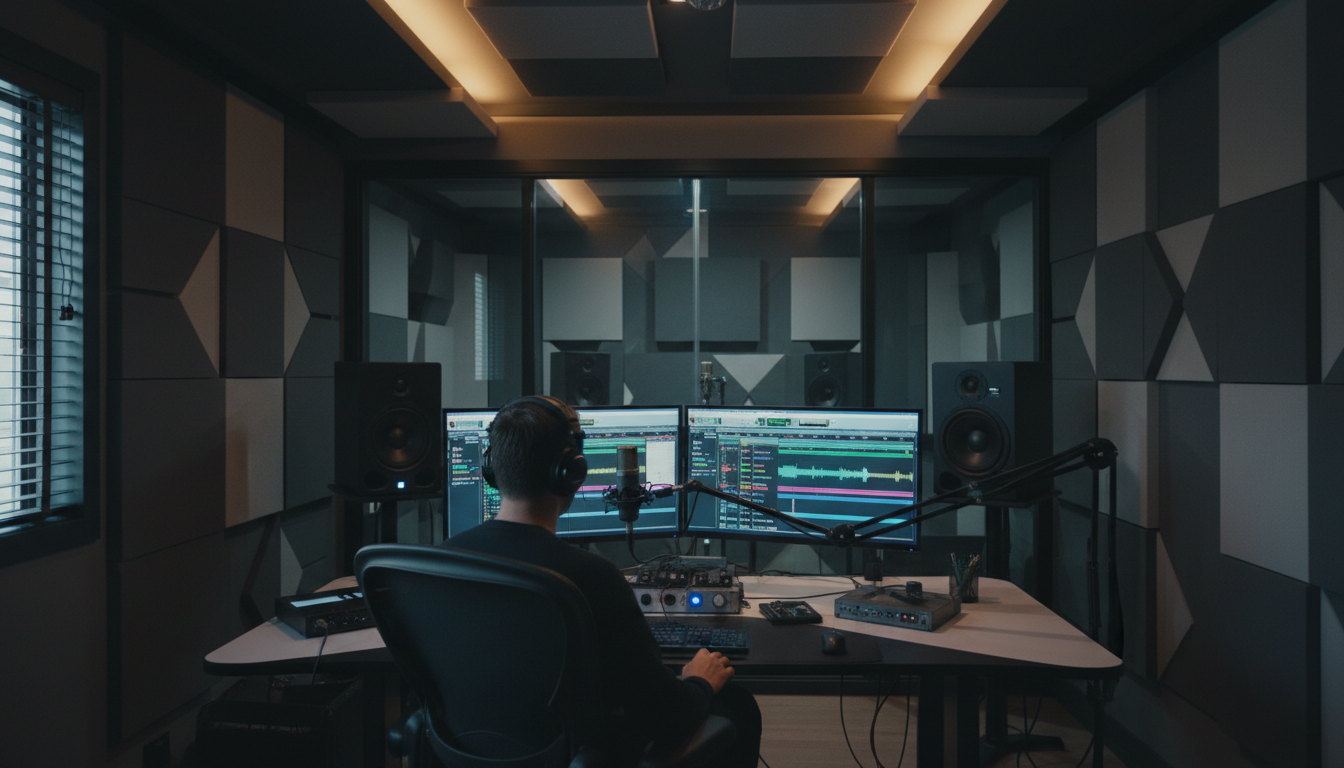
High-quality audio is often underestimated but is essential for maintaining viewer engagement. Use external microphones instead of built-in ones for clearer sound. Additionally, editing software can help remove background noise and balance audio levels. Tools like equalizers and compressors can further refine your sound.
Incorporating music and sound effects can add depth to your project. Ensure that any audio used is properly licensed or royalty-free. The right soundtrack can enhance the mood and emotion, making your project more immersive.
Editing for Impact
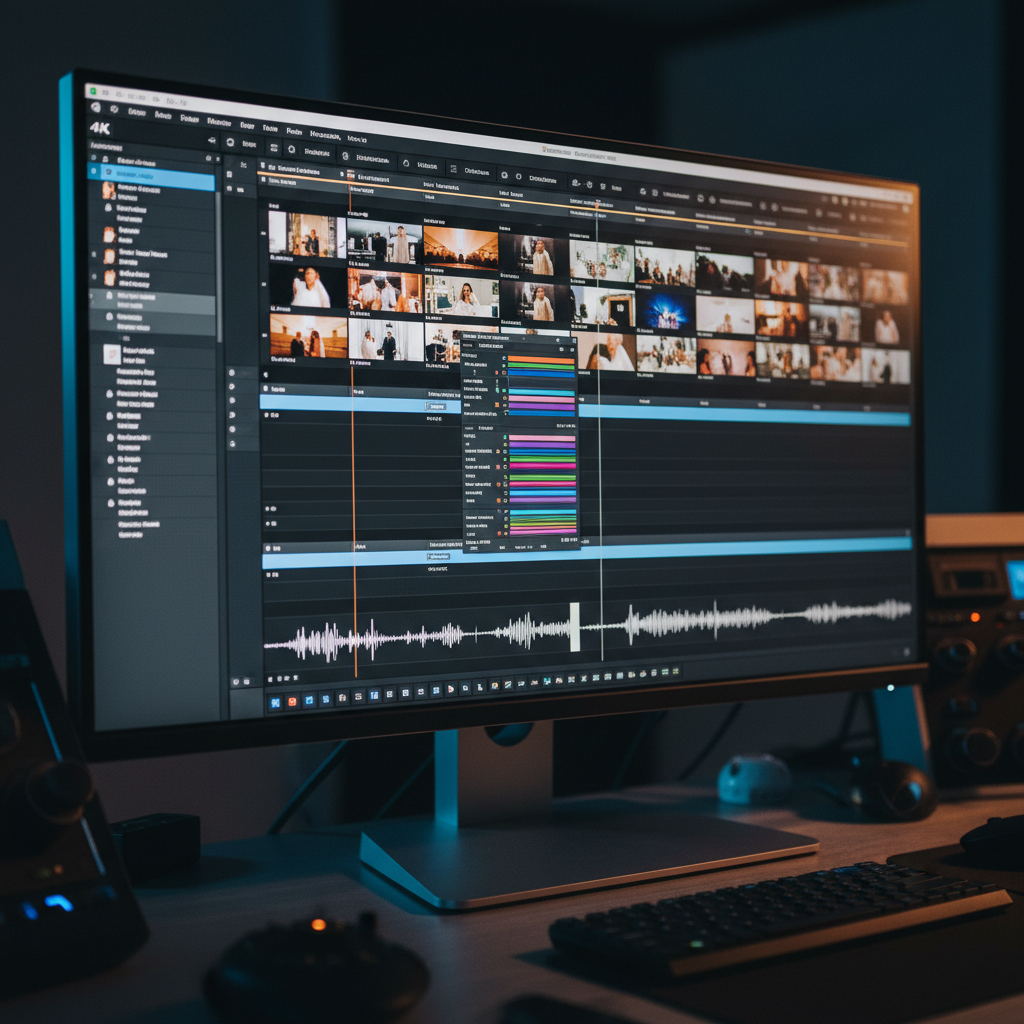
The editing process is where your project truly comes together. Start with a clear storyboard to guide your editing decisions. Trim unnecessary content to maintain focus and pace. Use transitions and effects sparingly to avoid overwhelming the audience.
Leverage online tutorials to learn new editing techniques. Platforms like YouTube offer countless guides tailored to various software. These resources can help you discover new ways to enhance your project with professional flair.
Feedback and Iteration
Finally, seek feedback from peers or target audience representatives. Fresh eyes can provide valuable insights into areas for improvement. Be open to criticism and willing to make changes to enhance the overall quality of your project.
Remember, creating a professional-looking multimedia project is a process of continuous learning and iteration. By applying these DIY tips, you can transform your creative vision into a polished, professional reality.